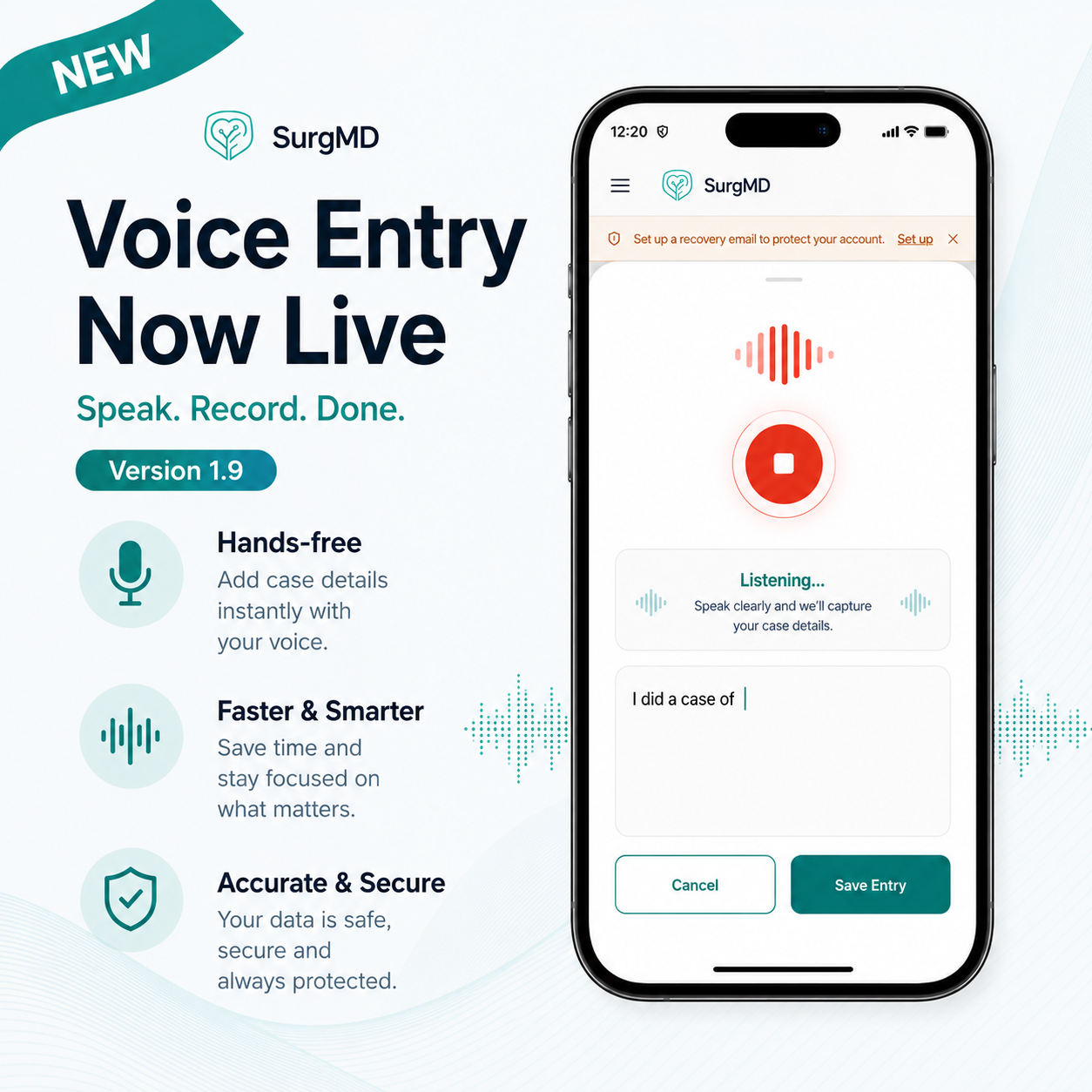
Add Case
Log every case in under 60 seconds
Capture diagnosis, procedure, outcomes, and notes. Build a searchable case portfolio with one tap.
The best digital logbook app and revenue tracker designed for how doctors actually work — surgeons, anaesthetists, physicians, and proceduralists alike. Fast case entry, professional fee tracking, and complete clarity on how to track cases across multiple hospitals.
The Problem
Most doctors — surgeons, anaesthetists, physicians, interventional radiologists, cardiologists, and other proceduralists — track cases in memory, notes, or Excel, and lose revenue to payments nobody is following up on. Without a dedicated case logbook app for private practice, tracking cases and managing billing across multiple hospitals becomes chaotic.
Paper logbooks and spreadsheets make it nearly impossible to audit your work, build a portfolio, or track outcomes over time.
Without a system that tracks fees and pending settlements per hospital, thousands of rupees slip through unnoticed every month.
If you practice at two or three hospitals, keeping case lists, dues, and payments straight becomes a full-time job. Each institution has different billing cycles, and revenue leakage is guaranteed without a system built to handle multi-hospital complexity.
Clinical images sit in camera rolls and random folders. When a publication, presentation, or follow-up needs them, you waste hours scrolling and still can’t find the right ones.
In Action
Log cases. Track fees. Monitor revenue. Export anything. Everything in one tap.
Log every case in under 60 seconds
Capture diagnosis, procedure, outcomes, and notes. Build a searchable case portfolio with one tap.
Professional revenue tracking for private medical practice
Record fees charged per hospital — consultation, surgery, and emergency charges. Add credits, track pending dues, and mark payments received instantly. The best digital logbook app includes real-time billing intelligence across multiple hospitals.
Track clinical income across multiple hospitals
See pending payments, received amounts, and hospital-wise revenue breakdown at a glance. How to track cases across multiple hospitals with complete financial transparency in one dashboard.
Streamlined multi-hospital billing management
Pull a clean OP, IP & case breakdown with revenue for any hospital — ready to send to billing in seconds. Simplifies how to track cases across multiple hospitals and streamline billing with your team.
We post short video walkthroughs of new features and workflows on our YouTube channel — the fastest way to see what's changed and how to use it.
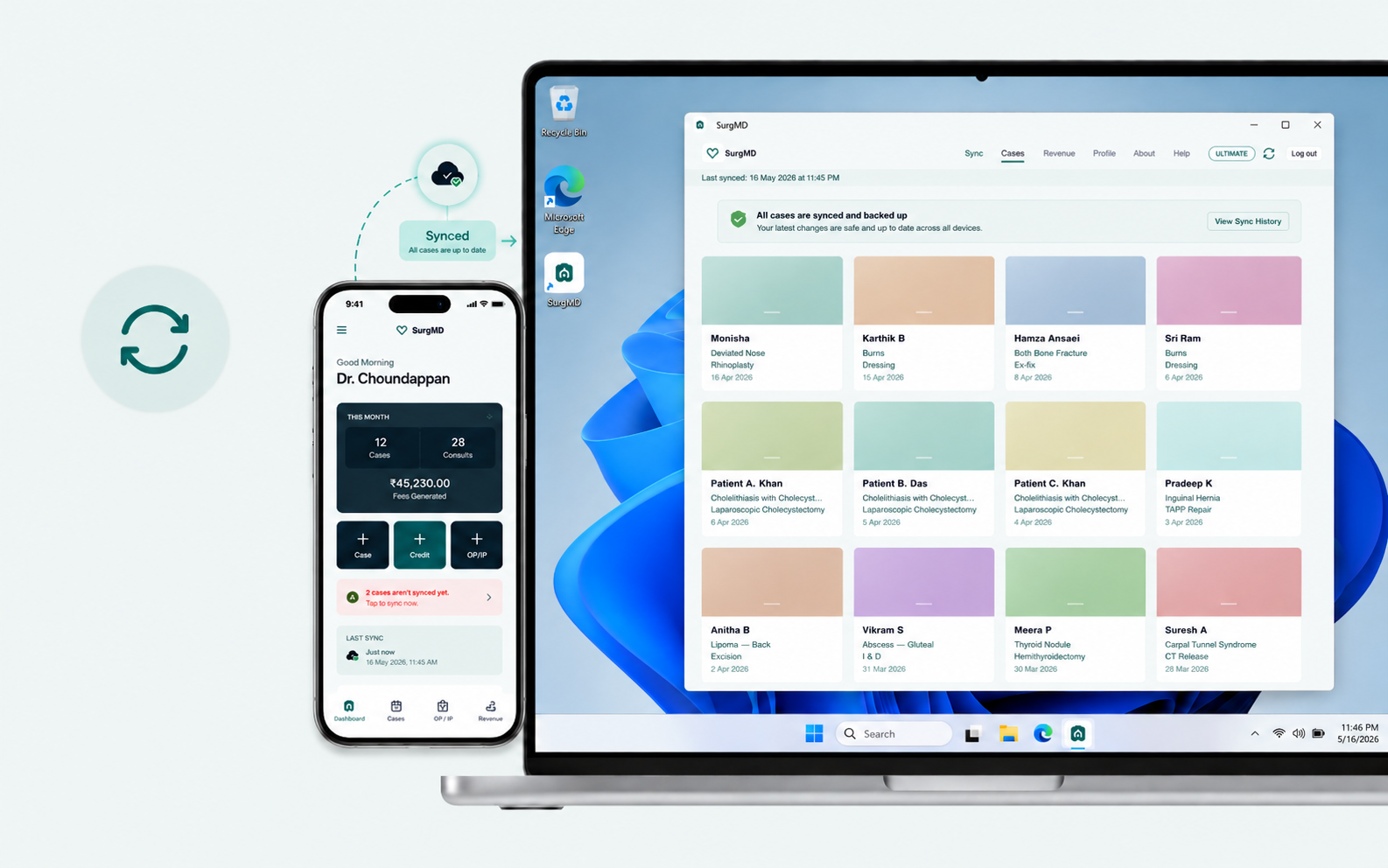
▶ Watch on YouTubeThe companion app for your phone — pulls every synced case, photo, and revenue figure into a focused desktop workspace built for review, editing, and organising.
Everything doctors ask about the best digital logbook app for private medical practice.
No. While SurgMD was built by a surgeon and named for that origin, it's designed for any doctor who logs cases and bills fees across hospitals — anaesthetists, physicians, interventional radiologists, cardiologists, and other proceduralists included. The core workflow — case entry, per-hospital fee tracking, and revenue visibility — applies to any procedural or consulting specialty, not just surgery.
Legacy logbooks only track training requirements and case counts. SurgMD functions as a dynamic clinician's cockpit that simultaneously tracks clinical data, professional fees, multi-hospital pending dues, and isolated case media portfolios. It combines the precision of academic documentation with the operational intelligence private practitioners — surgeons, anaesthetists, physicians, and interventionalists alike — need to run their practice efficiently.
Yes. SurgMD allows senior consultants — across surgery, anaesthesia, internal medicine, cardiology, interventional radiology, and other procedural specialties — to categorize cases and financial balances by individual institutions, streamlining how to track cases across multiple hospitals. Whether you're billing three private clinics, government teaching hospitals, or a hybrid model, each hospital's revenue is isolated, pending payments are transparent, and exports can be sent to billing desks with a single tap.
Every case logs a consultation or procedure fee per hospital. SurgMD lets you record amounts charged, credits issued, and mark payments received in real-time. Professional revenue tracking is broken down by hospital, procedure type, and payment status — so you know exactly what's pending and what's been collected. It's designed specifically for the best digital logbook app for private medical practice where billing is complex and timely.
Absolutely. Every case, photo, and revenue figure is yours to keep. Export individual case PDFs with photos, revenue summaries by hospital, or bulk data exports at any time. On Ultimate tier, you can sync data across unlimited devices and own your local copies. You are never locked in.
Yes. All tiers — Free, Pro, and Ultimate — include iOS, Android, and web apps. You can view your cases anywhere and export them to your desktop anytime. Free users can use the web app at surgmd.chounda.com to access all their cases. Pro and Ultimate users get the native desktop companion app where photos sync automatically, plus full offline editing capabilities.
It's a native Mac and Windows app for Pro and Ultimate users where your case photos sync automatically to your desktop. You get a four-column gallery, full-resolution photo pull for presentations and publications, and a complete revenue dashboard. Free users can still view and download their cases using the web app at surgmd.chounda.com.